Search gives you files, not answers
You still open five PDFs and read until you find the line you need.
PIIE for Mac · Free
PIIE is a desktop app for people who work in documents. Point it at your project folder, ask a question, and see numbered sources you can open in one click.
For Mac with Apple silicon. About 270 MB to download; setup may fetch more depending on your path. In the app, Settings → Downloads shows what is on this Mac. Already installed? Check for updates in Settings → About.
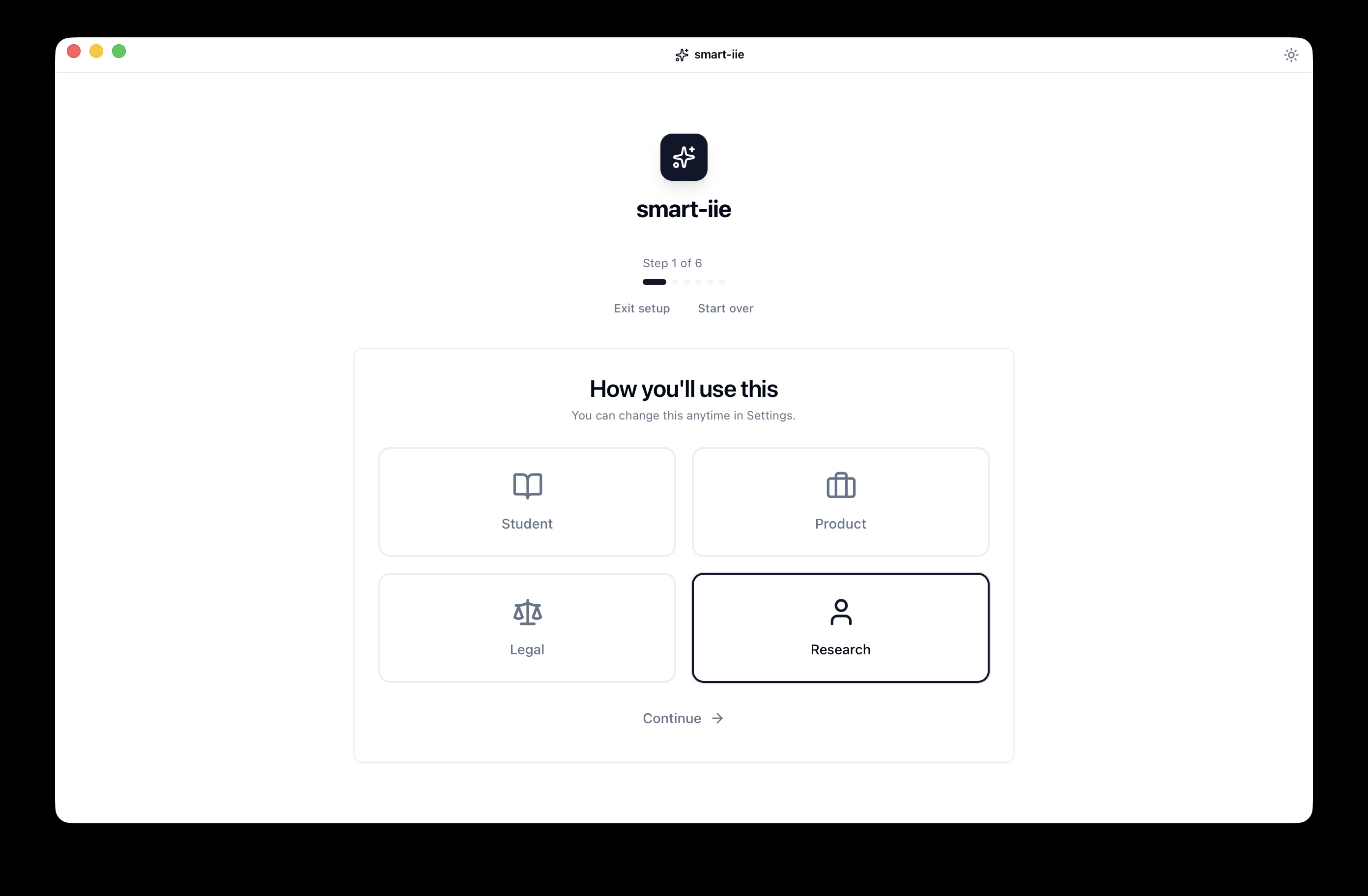
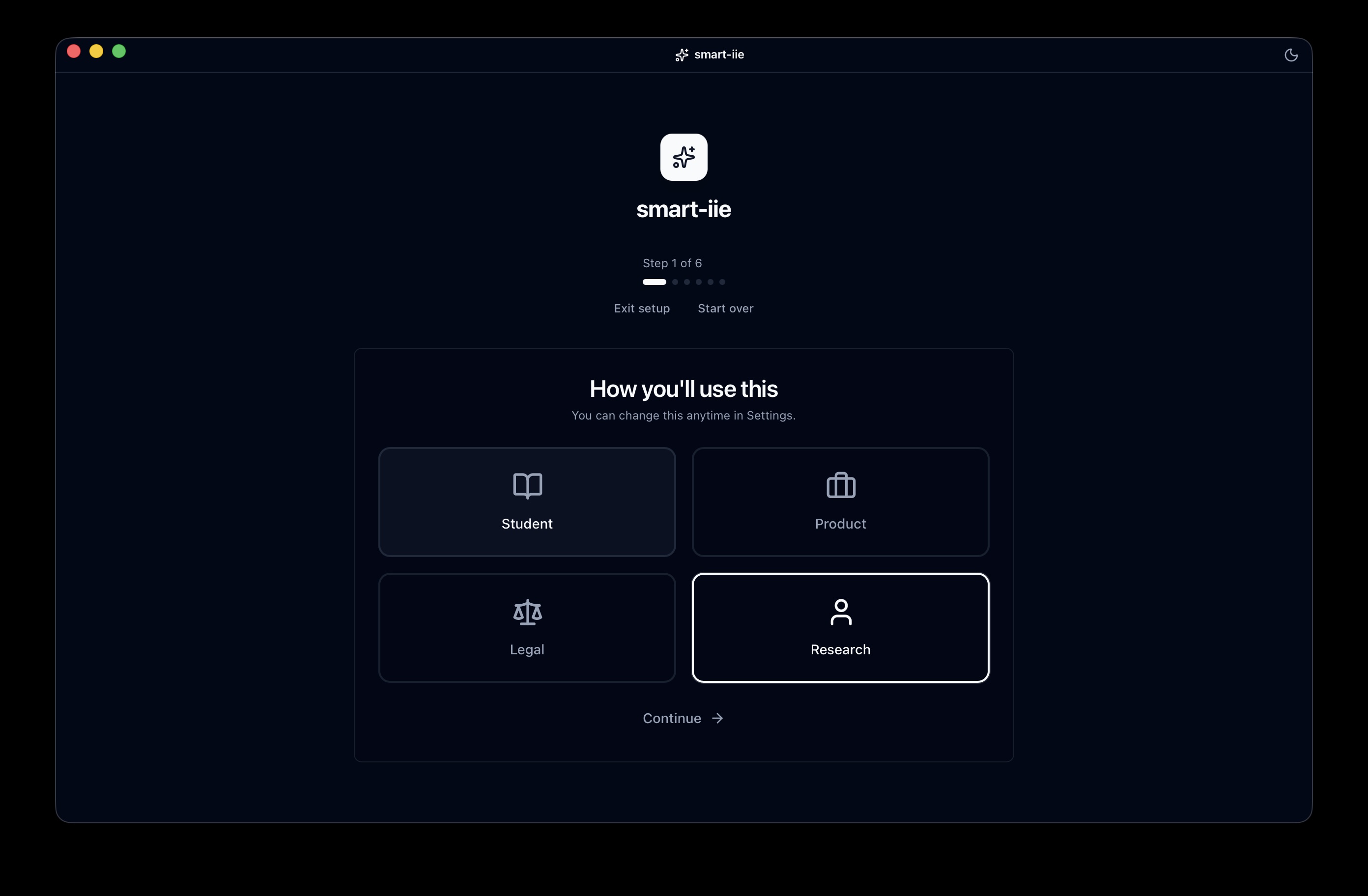 Your questionAnswer with sourcesOpen the page
Your work lives in files. Finding the right answer shouldn't mean guessing.
You still open five PDFs and read until you find the line you need.
It doesn't know your folder — and it can't show you which page it used.
You want help with your documents without wondering where they went.
Three steps. No API key on the default Mac path.
Use the folder you already organize for real work.
PIIE prepares your documents so answers stay tied to your sources.
Get a direct answer, then jump to the cited page to verify.
Not a replacement for everything — a better way to work inside your own files.
Clear answers you can check before you act.
Replies can include inline [1] markers tied to your files — so you see the evidence, not just a confident sentence.
On the default path, your files are indexed and used on your Mac.
Install, open a folder, and ask your first question — without setting up cloud keys.
One person, one Mac, one project at a time.
Download the app, point it at a project folder, and ask a question with sources.
Free · macOS (Apple silicon) · Internet needed during setup